
IPTV playlist player · Android · Samsung Tizen · LG webOS
StreamingPro TV
your playlist, on your TV.
A video player for Smart TVs. Enter the details your provider gave you (server, username and password) and play your live TV, movies and series.
- Free
- No ads
- No in-app purchases
- Creates no accounts of its own
StreamingPro TV is a video player. We do not offer or sell channels, playlists, subscriptions or any IPTV or streaming service. Each user loads the playlist supplied by their own provider and is responsible for having authorised access to that content.
How it starts
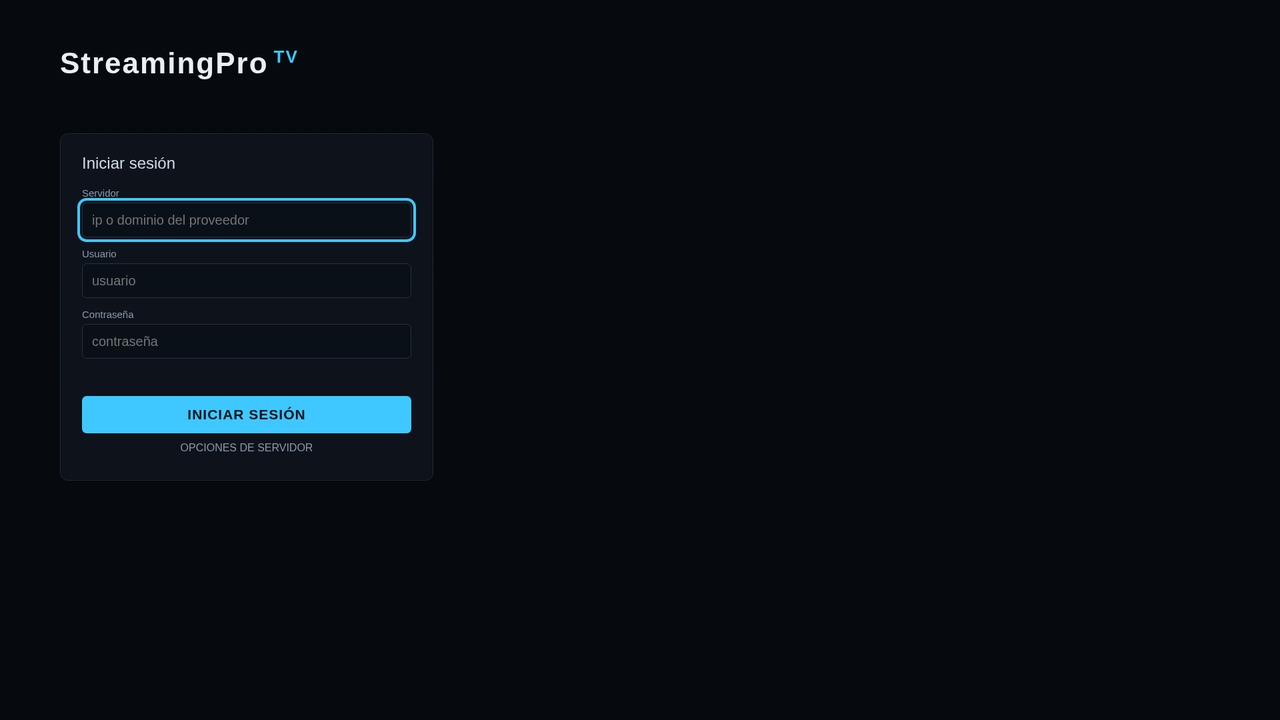
When you open it you only see the form for your playlist
StreamingPro TV ships with no channels, movies or playlists loaded. What you watch depends entirely on the playlist and provider you use.
How it works
Three steps to get started
- 1
Install the app
Download StreamingPro TV from your Smart TV's official store once it is available.
- 2
Enter your provider's details
Type the server, username and password your service provider gave you. The app remembers them on your TV.
- 3
Play
Navigate with the arrows, OK and Back of your remote: live TV, movies and series.
What the player does
Built for the remote control
Live TV
Plays live streams (HLS/TS) with channel zapping from the remote control.
Movies and series with details
Cover, year, rating, genres and synopsis for what is in your playlist.
Series by season
Seasons and episodes organised in ranges.
Search
Find titles by name inside the playlist you loaded.
Featured rows and categories
Featured rows plus the categories your playlist provides.
Full-screen interface
Large text, visible loading notice and control with arrows, OK and Back.
Platforms
Wherever you watch television
We are publishing the app in each platform's official store.
Responsibility
Who is responsible for what
We state this plainly because it is the most important thing about this product.
StreamingPro TV (BMC Technologies)
Provides the player only. It does not offer, host, sell or suggest channels, playlists, movies, series or subscriptions, and it operates no content service.
The provider / service operator
Supplies the playlist and the access. Is solely responsible for the content it distributes and for holding the rights and licences required.
The user
Represents that they hold lawful authorisation to access the content of their playlist, and is responsible for the legality of the playlist they load and for their credentials.
FAQ
Before you install, here is what you should know
App legal documents
Does StreamingPro TV include channels or content?
No. It is only a video player. It does not include, sell or host channels, playlists, subscriptions or content. You load the playlist your provider gave you.
What do I need to use it?
A compatible Smart TV and the details of an IPTV playlist (server, username and password) supplied by your service provider, to which you have a right of access.
How much does it cost?
The app is free, shows no ads and has no in-app purchases. The price of your playlist or subscription is set by your provider, not by us.
Does the app create an account or store my data?
It creates no accounts of its own. Your playlist details are stored only on your TV and used solely to connect to the server you specified. See the privacy policy.
Which devices does it work on?
It is designed for Android and Android TV, Samsung Smart TVs with Tizen and LG Smart TVs with webOS. We are publishing it in the official stores.
Who is responsible for the content I watch?
Your provider and you. StreamingPro TV has no control over playlists or their content. If you are a rights holder and find an infringement, write to us through the DMCA notice.